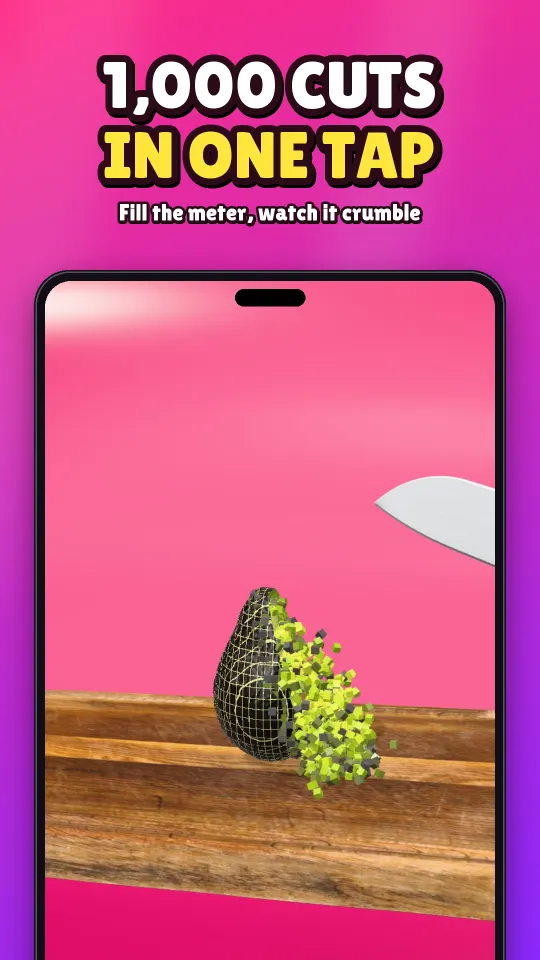
Games with too many ads all look the same at first: a bright icon, a fun trailer, a free Install button. The ads only show up once you start playing.
You can't know the exact ad count before you install. But the store page tells you more than most people read. This guide covers what the "Contains ads" label really means, which reviews are worth your time, which ads Google Play does not allow, and a short test to run in the first five minutes. One disclosure: we make 1000 Cuts, a free fruit chopping game with ads, so we explain how our own ads work too.
Why do free games have so many ads?
Free games have ads because ads pay for them. Most players never buy anything, so a free game earns money by showing ads to everyone and selling optional extras to a few.
That is a fair deal when it is balanced. A game can show a short ad between rounds and still feel good, or it can show one after every tap and feel like an ad player with a game attached. The rest of this guide is about telling those two apart.
What does "Contains ads" mean on Google Play?
"Contains ads" means the developer told Google the app shows ads. According to Google Play Help, you find the label under the Install button or the price.
Developers must declare ads in Play Console, including banners, full-screen ads and ads from third-party ad networks. Google's Play Console Help says Google can check that declaration at any time and add the label itself, and that lying about ads breaks the rules.
What the label does not tell you:
- How many ads. One banner and twenty videos per session get the same label.
- What kind. It does not separate optional reward videos from forced full-screen ads.
- In-app purchase offers. Google says those are not counted as ads, so pop-up shop offers can still appear in a game without the label.
So the label tells you ads exist. To learn how heavy they are, you need the reviews.
How to tell if a game has too many ads from the reviews
Recent reviews are the best clue you have before installing. Players complain about ads quickly, and they are usually specific.
- Sort by newest. Ads often change with updates, so a review from last week matters more than one from two years ago.
- Read the middle ratings. Three-star and two-star reviews tend to explain what is wrong instead of just being angry.
- Look for numbers. Phrases like "an ad every round", "an ad every 30 seconds" or "ads to get back to the menu" tell you the real rhythm.
- Check for broken close buttons. "Can't close the ad" or "the X sends me to the store" is a red flag.
- See if the developer replies. A developer who answers ad complaints and changes things is a good sign.
Look for the same complaint repeated by different people, not one angry review.
Which ads does Google Play not allow?
Google Play bans the most annoying kinds of full-screen ads. Its Ads policy says full-screen ads must not show up unexpectedly, and a full-screen ad that can't be closed after 15 seconds is not allowed.
The same policy lists examples of what breaks the rules:
- A full-screen ad that pops up during play at the start of a level.
- A full-screen video ad before the app's loading screen.
- An ad you are forced to click before you can use the app.
- Ads that copy system notifications or the game's own buttons.
Optional reward videos (the ones you choose to watch for a bonus) and banners that don't interrupt you are treated differently. If a game does the banned things, you can report it from its store page.
Signs on the store page before you install
A few quick checks on the listing can save you a download.
| What you see | What it usually means |
|---|---|
| "Contains ads" and no "Remove ads" option mentioned | Ads are the whole business model |
| A one-time "Remove ads" purchase | You can pay once to get rid of forced ads |
| Screenshots identical to five other games | Often a quick copy with heavy ads |
| Reviews say "ads every round" | Expect it to be true |
| Reward videos mentioned as optional | Extra ads only if you want the bonus |
The 5-minute test after you install
The quickest honest test is to play for five minutes and count. Here is what to watch:
- The first ad. Does it appear before you have played anything? That is a bad start.
- The rhythm. Count full-screen ads. One every few rounds is common. One after every short round is heavy.
- The close button. Does it appear within 15 seconds and actually close the ad?
- The timing. Good games show ads at natural breaks, like between rounds. Bad ones cut in mid-action.
- The pressure. Are you pushed to watch "just one more video" to continue? Optional is fine; forced is not.
If a game fails two or more, uninstall it. There are plenty of others. If you like satisfying games for short breaks, our guide to satisfying games to relax explains why ads in the wrong place break the calm feeling.
How ads work in 1000 Cuts
1000 Cuts is free with ads, and here is exactly how they work. A full-screen ad appears every few fruits, and the ads come from Unity Ads.
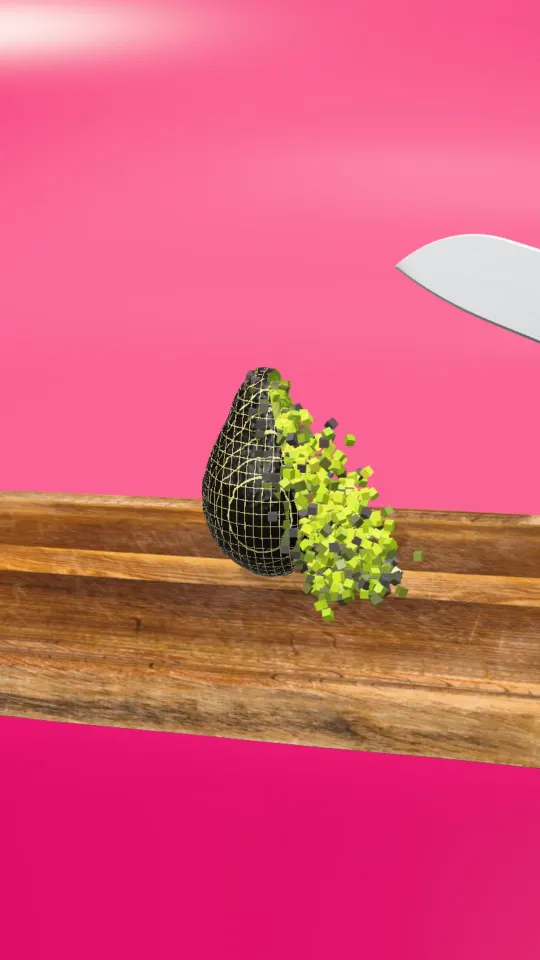
Reward videos are always optional: you can watch one to fill the ⚡ meter or to triple your coins, or just keep chopping. If you want the full-screen ads gone, a one-time Remove ads purchase or the Starter Pack (10,000 coins, the Gold knife and no ads) turns them off. There is no account, and your progress lives on your phone.
If you want to compare it with other kinds of slicing games, see our guide to fruit cutting games, which has a short checklist of what to look for and what to avoid.
Can you remove ads from a game?
Usually yes, if the developer offers a "Remove ads" purchase. Many free games sell one, often as a single payment. The ad network itself can't remove them for you: Unity's support page says the game's developer controls its ads, and suggests contacting the developer or looking for an ad-free purchase.
Some people try airplane mode or ad blockers. Be careful: many games stop working without a connection, and many "ad blocker" guides online come from companies selling one. The simplest fix is to pick games with fair ads in the first place.
Frequently asked questions
How do I know if a game has ads before I download it?
Look for the "Contains ads" label under the Install button on Google Play. It shows the developer declared ads. Then read recent reviews to learn how often they appear.
Are full-screen ads that can't be skipped allowed on Google Play?
No. Google Play's Ads policy says full-screen ads must be closeable after 15 seconds, unless they are optional, like reward videos you choose to watch.
Does "Contains ads" include in-app purchase offers?
No. Google says the label covers ads, not offers to buy items or upgrades inside the app.
Does 1000 Cuts have ads?
Yes. It shows a full-screen ad every few fruits, and reward videos are optional. A one-time Remove ads purchase or the Starter Pack turns the full-screen ads off.
Sources
- Google Play Help, Contains ads label on Google Play (checked 10 Nov 2026)
- Play Console Help, Prepare your app for review: Ads (checked 10 Nov 2026)
- Play Console Help, Ads policy (checked 10 Nov 2026)
- Unity Support, How do I remove the ads in a game made with Unity? (checked 10 Nov 2026)
Updated · By the 1000 Cuts team at DIGCY SARL AU