1000 Cuts: Fruit Slicer ASMR is a simple game on purpose. There are no levels to unlock and no lives to lose. There is a fruit, a board, a knife that follows your finger, and a button that turns the fruit into millions of pieces. But there is a little more under the surface than it looks, and this guide covers all of it.
We make the game, so every number here comes straight from it. If something changes in an update, we will update this page.
The basics: one fruit, one board, one knife
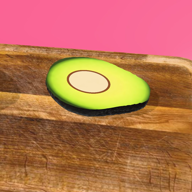
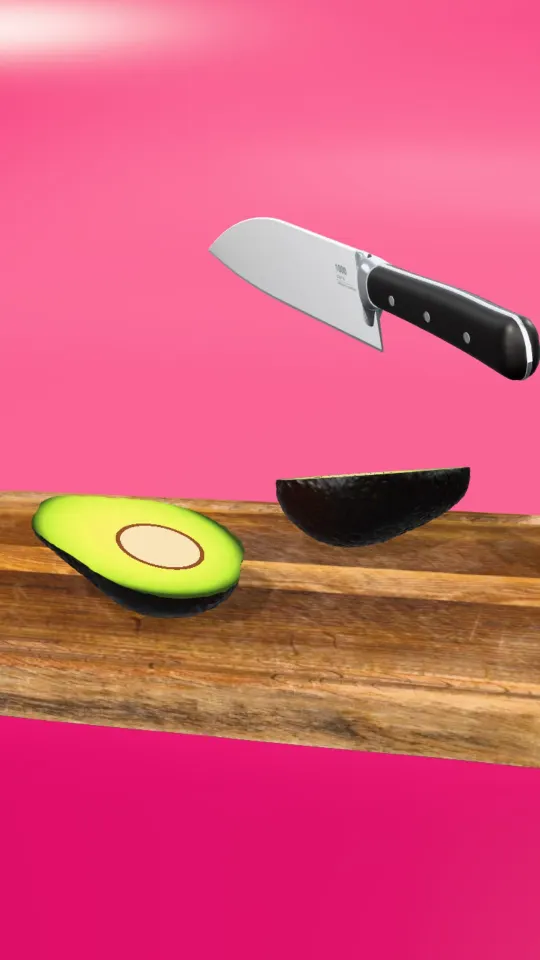
Each round starts with a whole fruit dropping onto a wooden board in a bright colour studio. The fruit cycles through seven real 3D scans: avocado, kiwi, lemon, apple, lime, onion and pomegranate, and the studio colour changes with each one.
The knife is always in your hand. There is no "slice" gesture to learn:
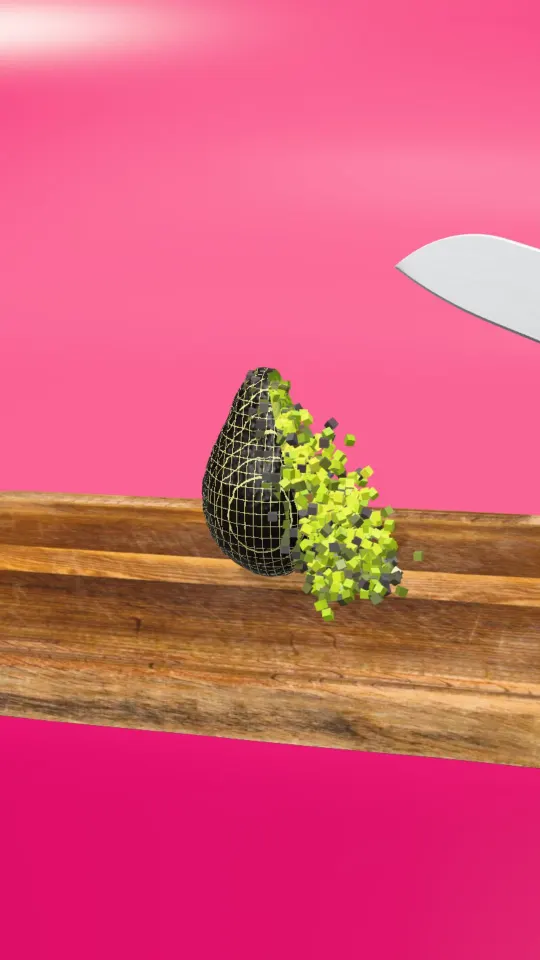
- Tap anywhere on the fruit and the knife chops exactly there. The fruit really splits, and the pieces fall apart with physics.
- Hold and drag to chop fast. The knife keeps chopping while it follows your finger, and it speeds up the longer you hold.
- Turn the board with the ⟲ ⟳ buttons, or twist with two fingers. Cutting across your earlier slices dices the fruit, which multiplies the pieces quickly.
- NEXT appears once you have made a few pieces. Tap it and the knife scrapes the board clear and a new fruit drops in.
The mute button in the corner turns the sound on and off. The sounds are real recordings of a knife on a board, so it is worth trying with headphones.
The ⚡ 1000 CUTS power
This is the moment the game is named after, and the same moment as the "1 cut vs 1,000 cuts" reels.
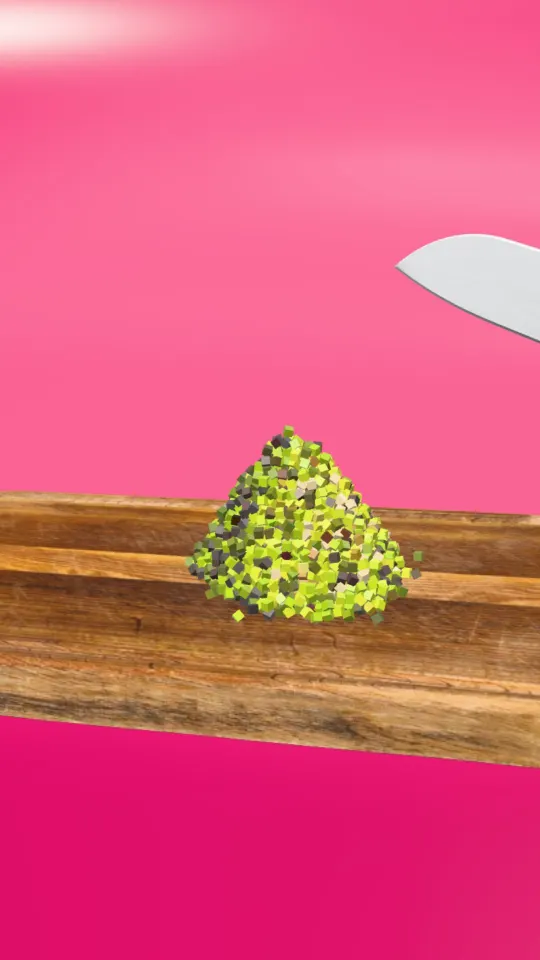
Every chop fills the round ⚡ meter by one step. After 40 chops it is full and starts to glow. Tap it and the knife blurs through 1,000 cuts in about two seconds, then the fruit crumbles and pours down into a pile while a counter runs up the number of pieces. On an avocado, that is millions. (We explain where that number comes from in how many pieces can you cut an avocado into.)
When the pile settles you get a result card with the cuts, the pieces and your coins. From there you can share a picture of your pile with the exact piece count, or tap NEXT for a new fruit.
If the meter is not full yet and a reward video is available, tapping it offers to fill it in exchange for watching an ad. That is optional; chopping fills it just as well.
How coins work
Coins are the only currency, and there are four ways to earn them by playing:
| How | Coins |
|---|---|
| Every chop | 1 coin |
| Tapping NEXT after chopping a fruit | a bonus of half your piece count |
| A 1,000 CUTS pile | 150 coins, plus more the bigger the pile |
| Winning a challenge fruit | 800 (Golden) or 2,000 (Holo) |
After a 1,000 CUTS pile, the result card sometimes offers to triple your coins for watching a reward video. Again, optional.
The quickest steady income is a loop of chop, fill the meter, unleash 1,000 cuts, and NEXT. The big spikes come from challenge fruits.
Challenge fruits: Golden and Holo
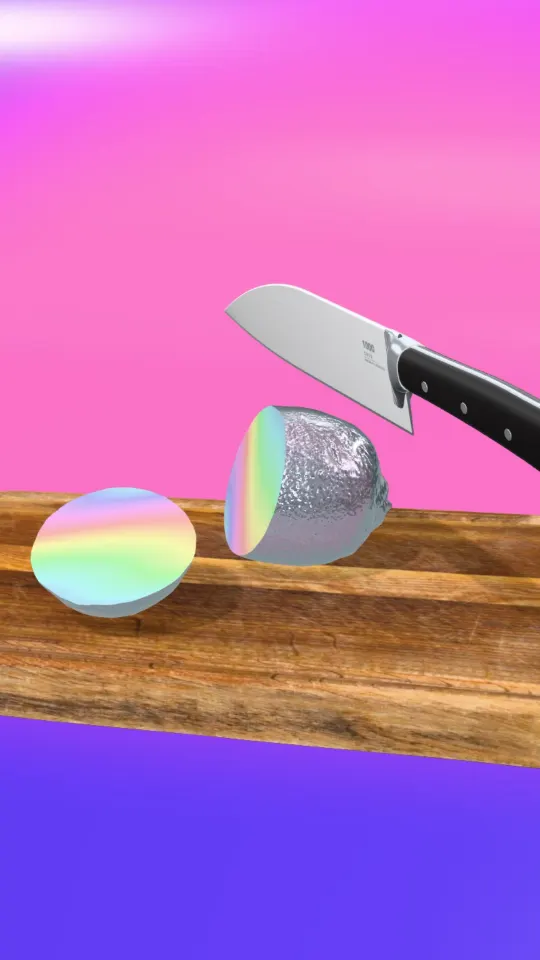
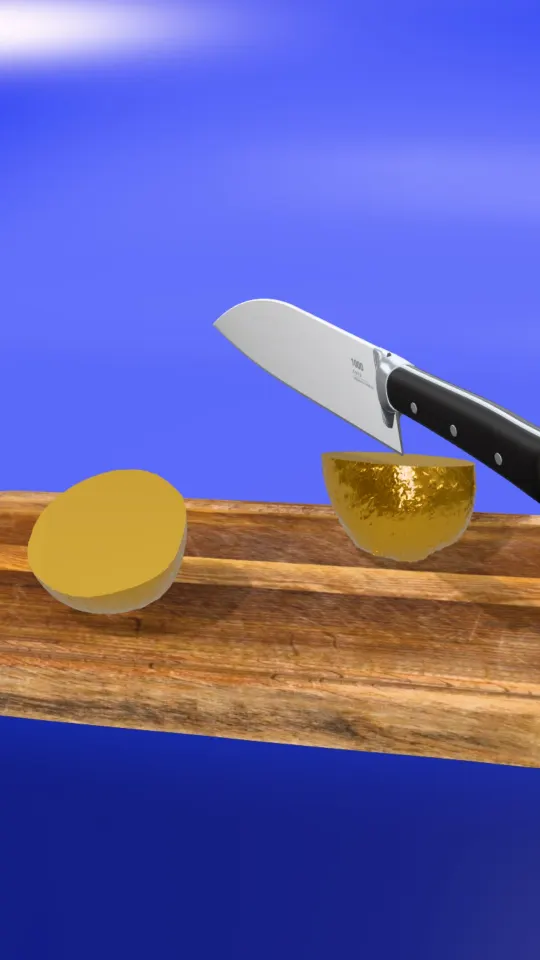
After your first three fruits, every fourth fruit you finish brings a challenge, alternating between Golden and Holo. A banner shows the goal and the clock. The clock only starts on your first cut, so take a breath before you begin.
| Challenge | Goal | Time | Reward |
|---|---|---|---|
| Golden | 40 pieces | 15 seconds | 800 coins |
| Holo | 70 pieces | 20 seconds | 2,000 coins |
If the time runs out, you still get 50 coins and can keep chopping the fruit for fun.
Tips to beat the clock
- Hold, don't tap. Hold and drag chops much faster than single taps, and it speeds up the longer you hold.
- Slice first, then turn. Make a row of slices across the fruit, turn the board a quarter, and drag back across. Cutting across slices multiplies pieces instead of adding them.
- Spread your cuts. Cutting the same spot twice adds little. Sweep across the whole fruit.
- Watch the counter, not the clock. The banner shows pieces against the goal. Once you are close, a couple of fast sweeps finish it.
Holo is the harder of the two (70 pieces, but only 5 more seconds), so it is worth practising the slice-and-turn rhythm on normal fruit first.
All 10 knives
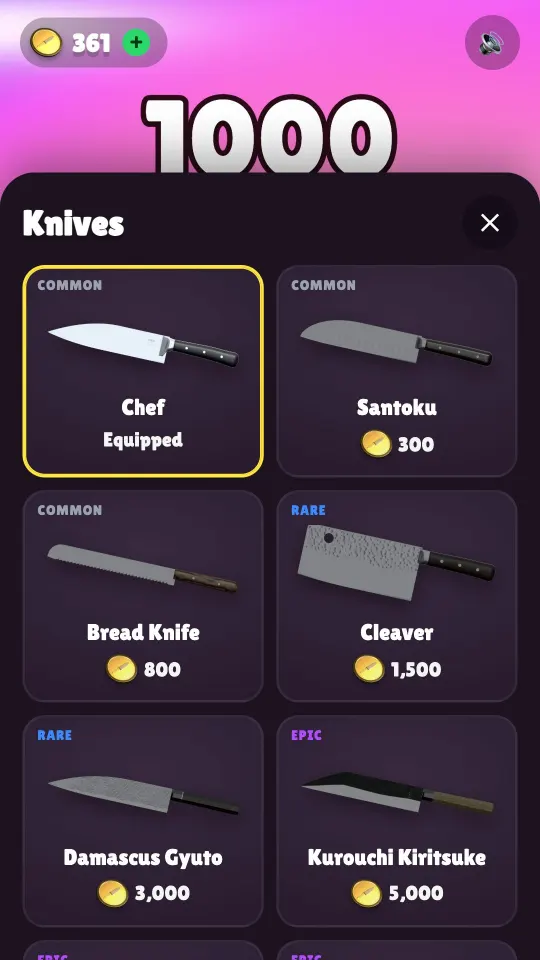
Knives are bought with coins in the knife shop (the Knives button). They are cosmetic: every knife cuts in exactly the same way, so nobody has to buy anything to keep up. Each one is modelled in 3D, from the Damascus wave pattern to the glowing Laser blade.
| Knife | Name | Rarity | Price |
|---|---|---|---|
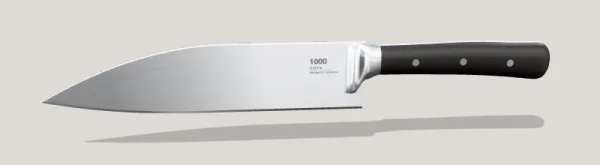 | Chef | Common | Free |
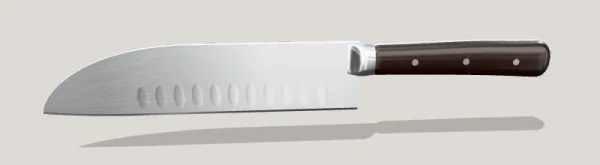 | Santoku | Common | 300 coins |
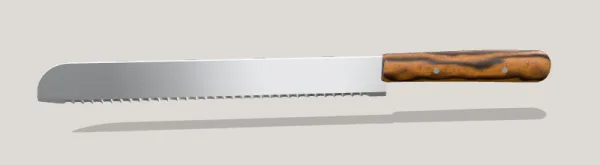 | Bread Knife | Common | 800 coins |
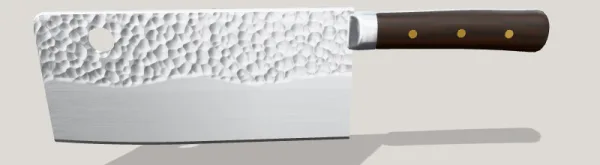 | Cleaver | Rare | 1,500 coins |
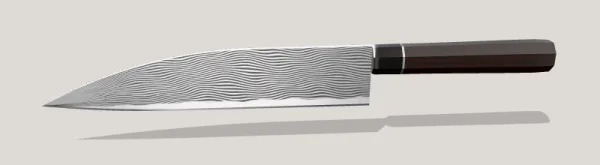 | Damascus Gyuto | Rare | 3,000 coins |
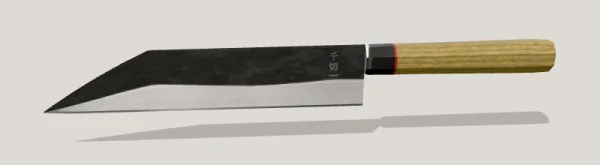 | Kurouchi Kiritsuke | Epic | 5,000 coins |
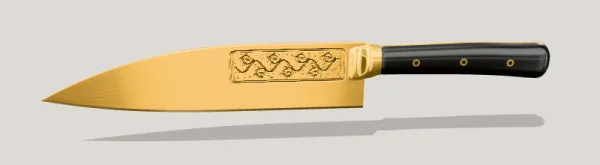 | Gold | Epic | 8,000 coins |
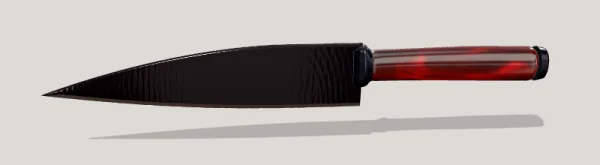 | Obsidian | Epic | 12,000 coins |
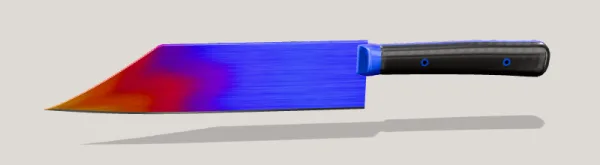 | Rainbow Titanium | Legendary | 20,000 coins |
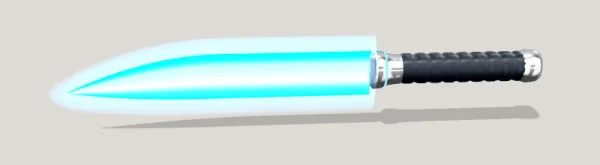 | Laser | Legendary | 35,000 coins |
Buying all nine paid knives costs 85,600 coins in total. The Laser alone is 35,000, which is a long-term goal for most players. Our advice: buy the Santoku early (300 coins arrives quickly) to get a feel for switching, then save.
The shop: what is free and what is paid
1000 Cuts is free to play and you can unlock every knife by playing. The coin shop (tap your coin counter) also sells optional extras through Google Play:
- Coin packs of 2,000, 7,000, 20,000 and 60,000 coins.
- Starter Pack: 10,000 coins, the Gold knife and no ads, once per player.
- Remove ads: turns off the full-screen ads that otherwise appear every few fruits. Optional reward videos (for the meter or for triple coins) stay available because you choose to watch them.
Prices are shown in the shop in your local currency, straight from Google Play. Remove ads and the Starter Pack are tied to your Google account and can be restored after a reinstall; coin packs are used up when you buy them.
Your data and progress
There is no account and no sign-up. Your coins, knives and totals are saved on your phone only, which means uninstalling the game deletes your progress (Remove ads and the Starter Pack can be restored from Google Play). Ads are served by Unity Ads, which asks on first launch whether ads may be personalised. The full details are in the privacy policy and the page on how to delete your data.
Where to go next
If you want to know why the game feels the way it does, read why fruit cutting videos are so satisfying. If you play to unwind, our guide to satisfying games to relax has a simple five-minute routine. And the home page has the 1,000-cut pour on loop, if you just want to watch it again.
Frequently asked questions
How do you fill the 1,000 CUTS meter?
Chop. Every chop fills one step and the meter is full after 40 chops. If it is not full and a reward video is available, you can also watch an ad to fill it.
When do challenge fruits appear?
After your first three fruits, every fourth fruit is a challenge (the 4th, 8th, 12th and so on), alternating Golden and Holo. The timer starts on your first cut.
Do better knives cut faster?
No. All 10 knives are cosmetic and cut exactly the same way. They differ in looks and price, from the free Chef knife to the 35,000-coin Laser.
How do I remove ads in 1000 Cuts?
Buy Remove ads or the Starter Pack in the shop. That turns off the full-screen ads; optional reward videos stay available if you want the bonuses.
Will I lose my progress if I change phones?
Coins and knives are stored on the phone, so they do not move to a new device. Purchases like Remove ads and the Starter Pack can be restored through your Google Play account.
Is 1000 Cuts out on iPhone?
Not yet. 1000 Cuts is made for Android and is coming soon to Google Play.
Updated · By the 1000 Cuts team at DIGCY SARL AU